SpeedCam Smart Radar
Smart Detector
Android 6.0+*-Android Auto is available only when the app is installed from Google Play.
Screenshots
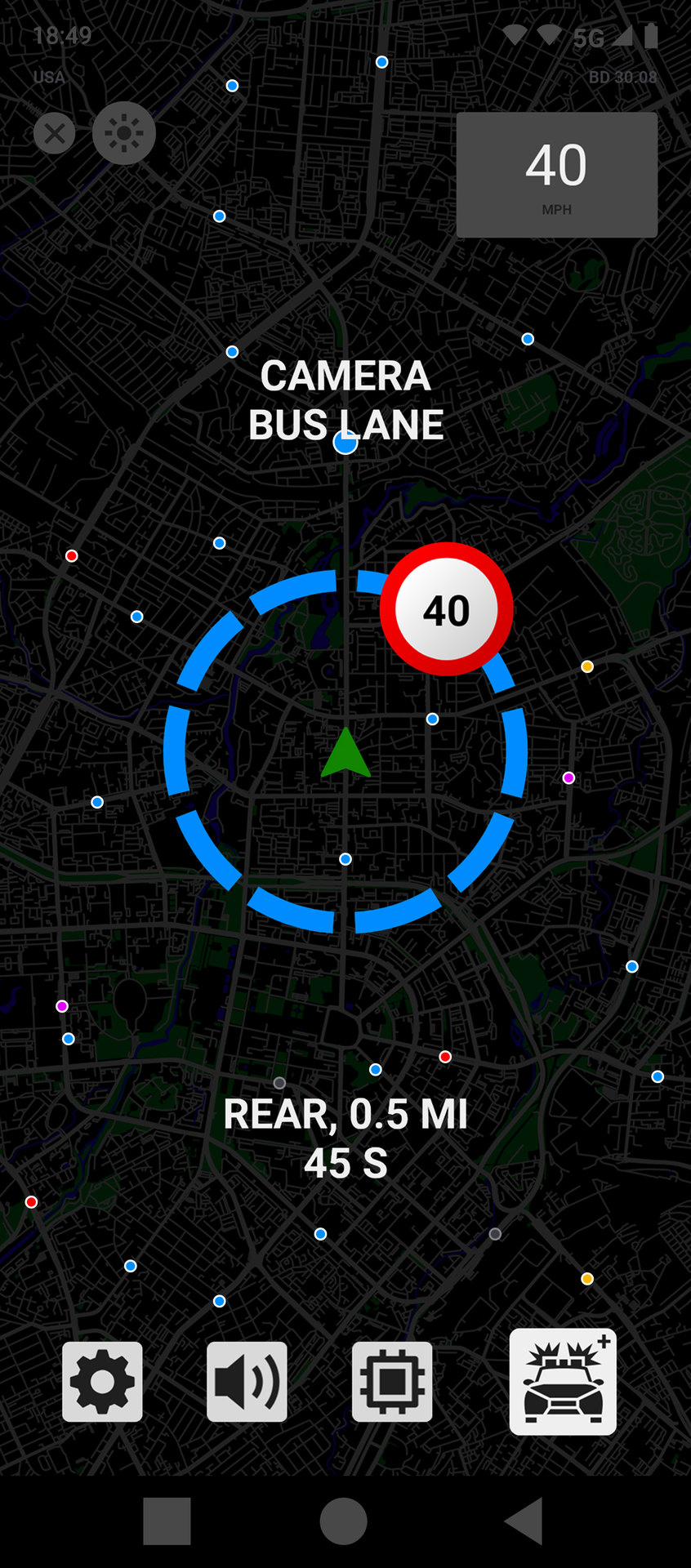
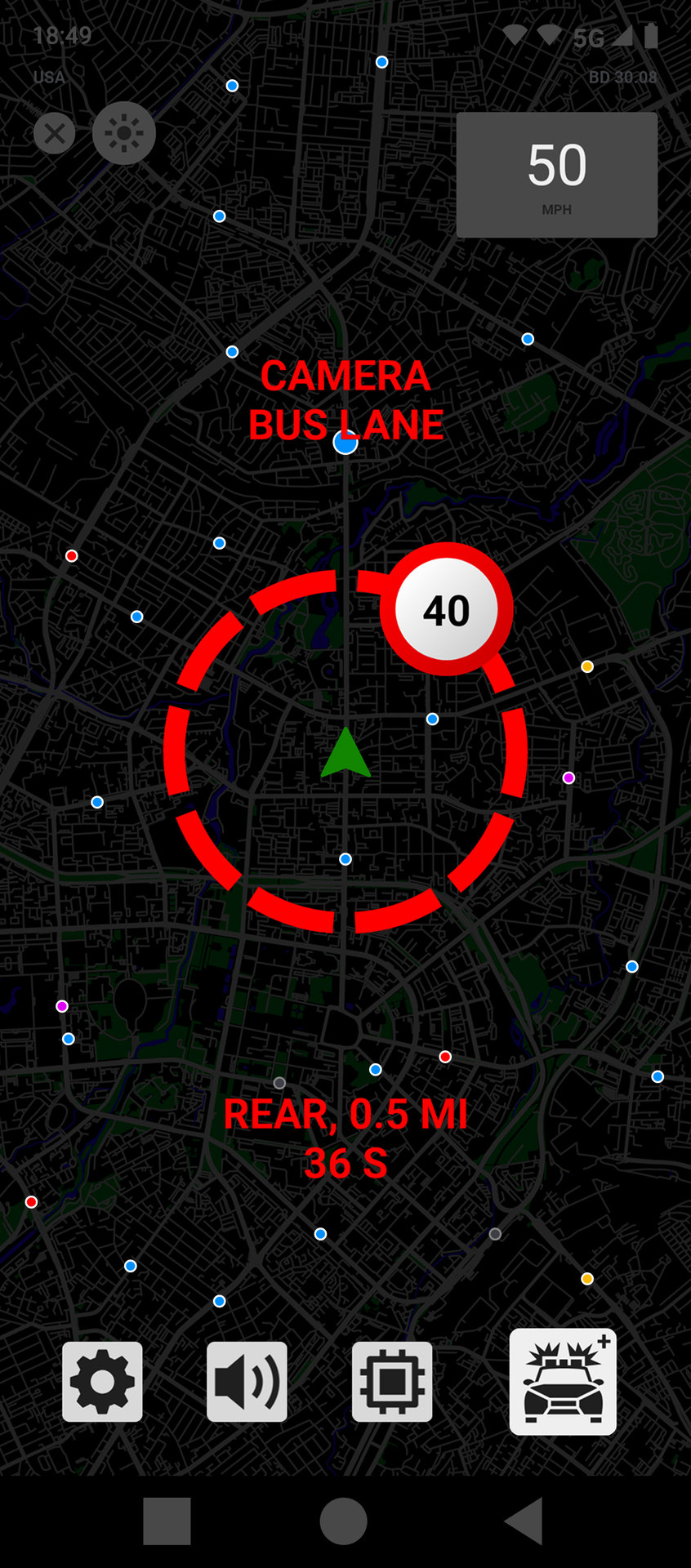
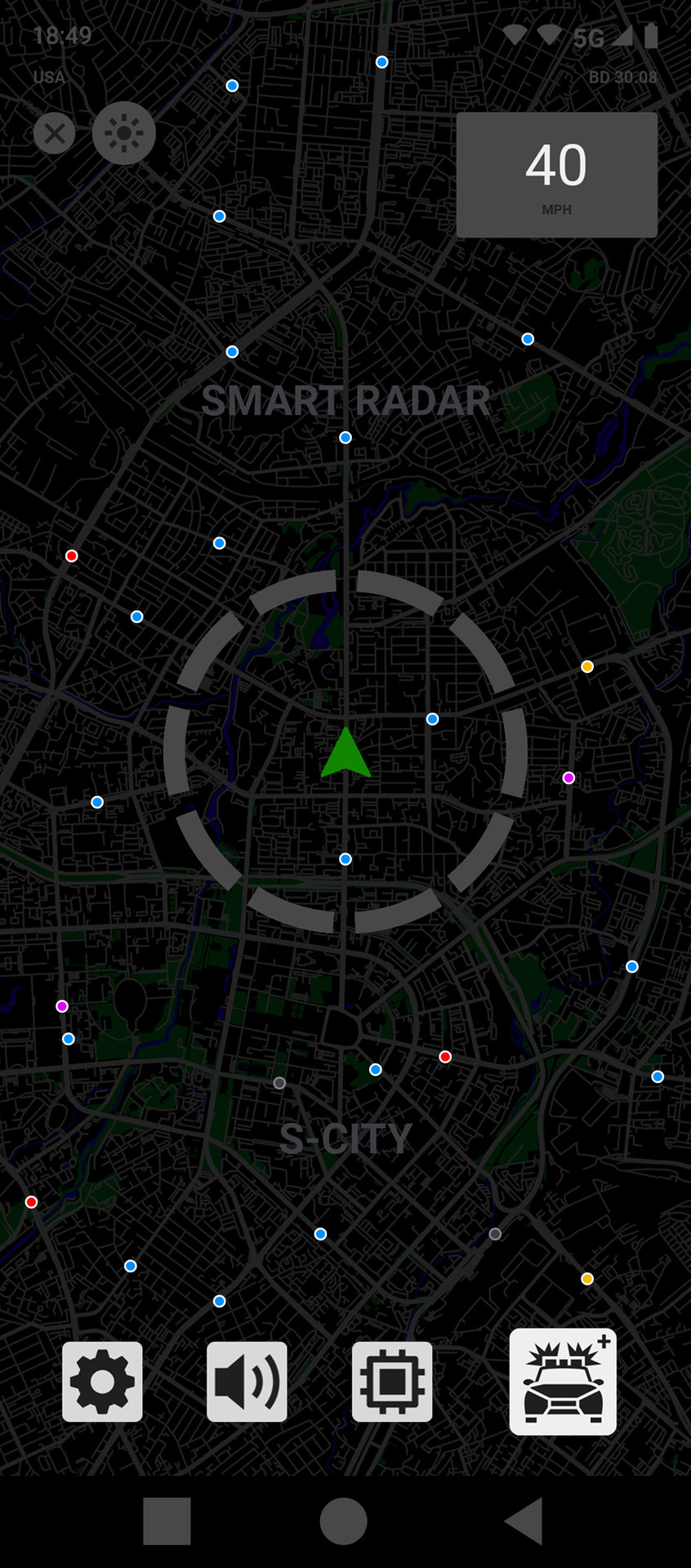

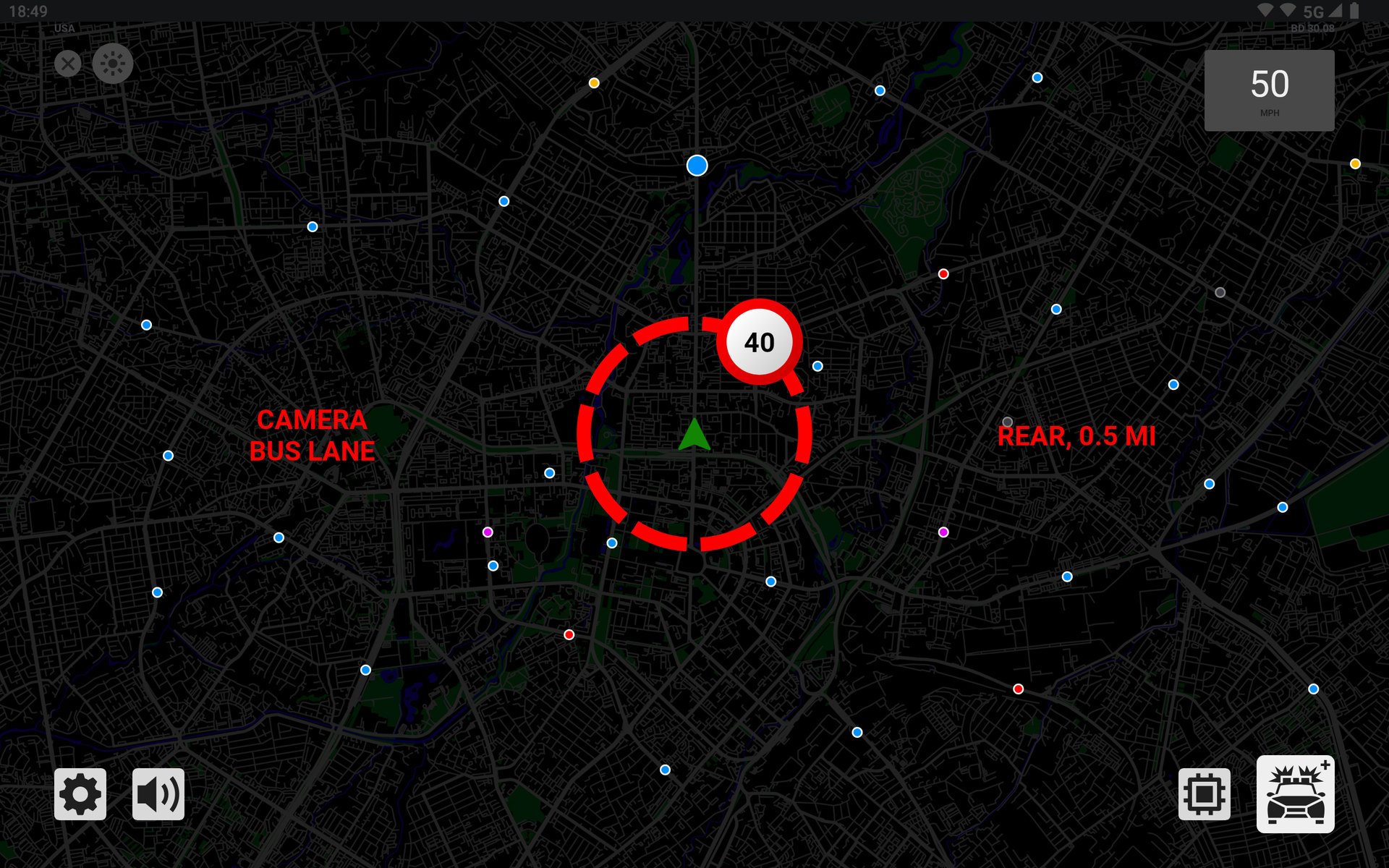
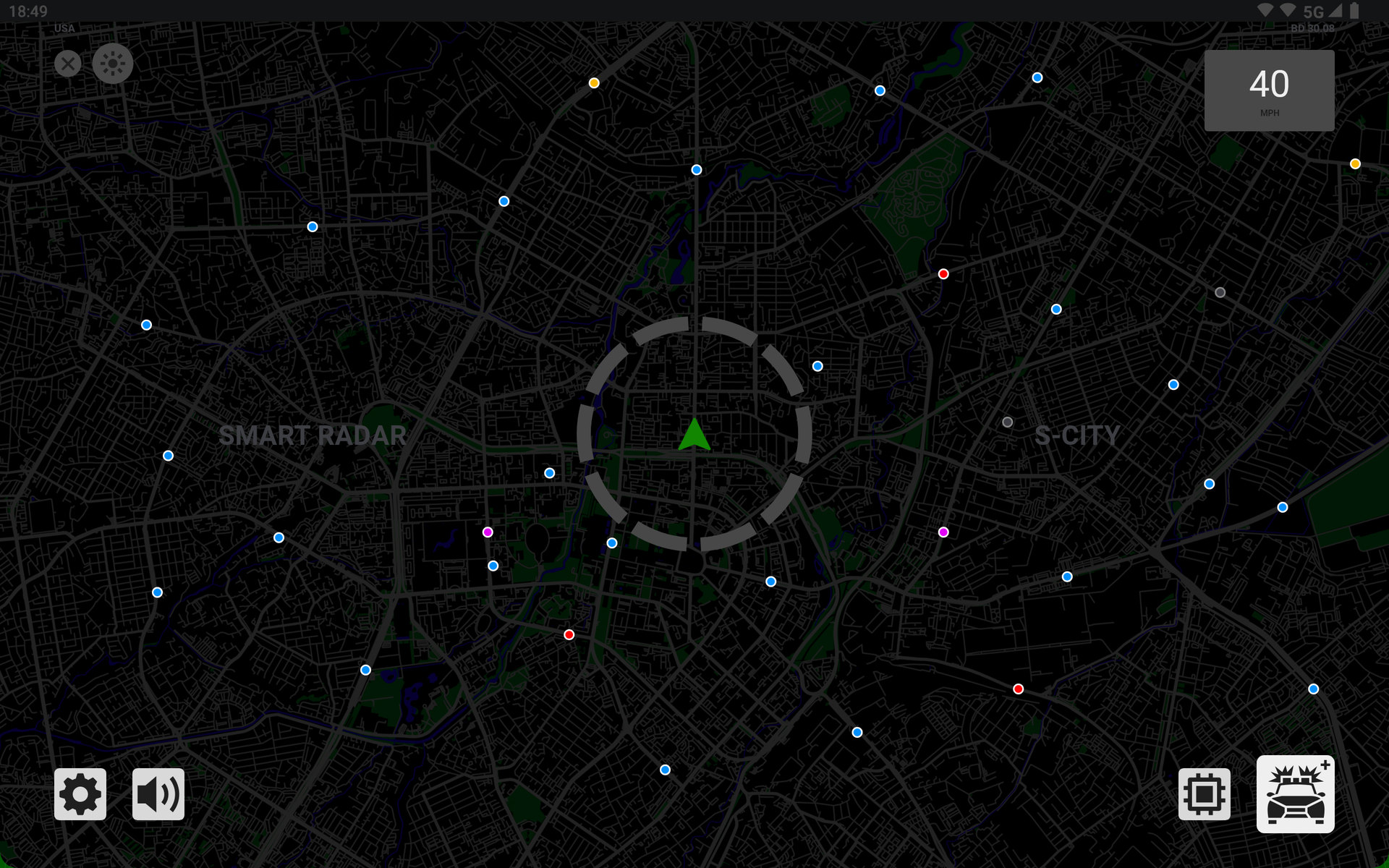
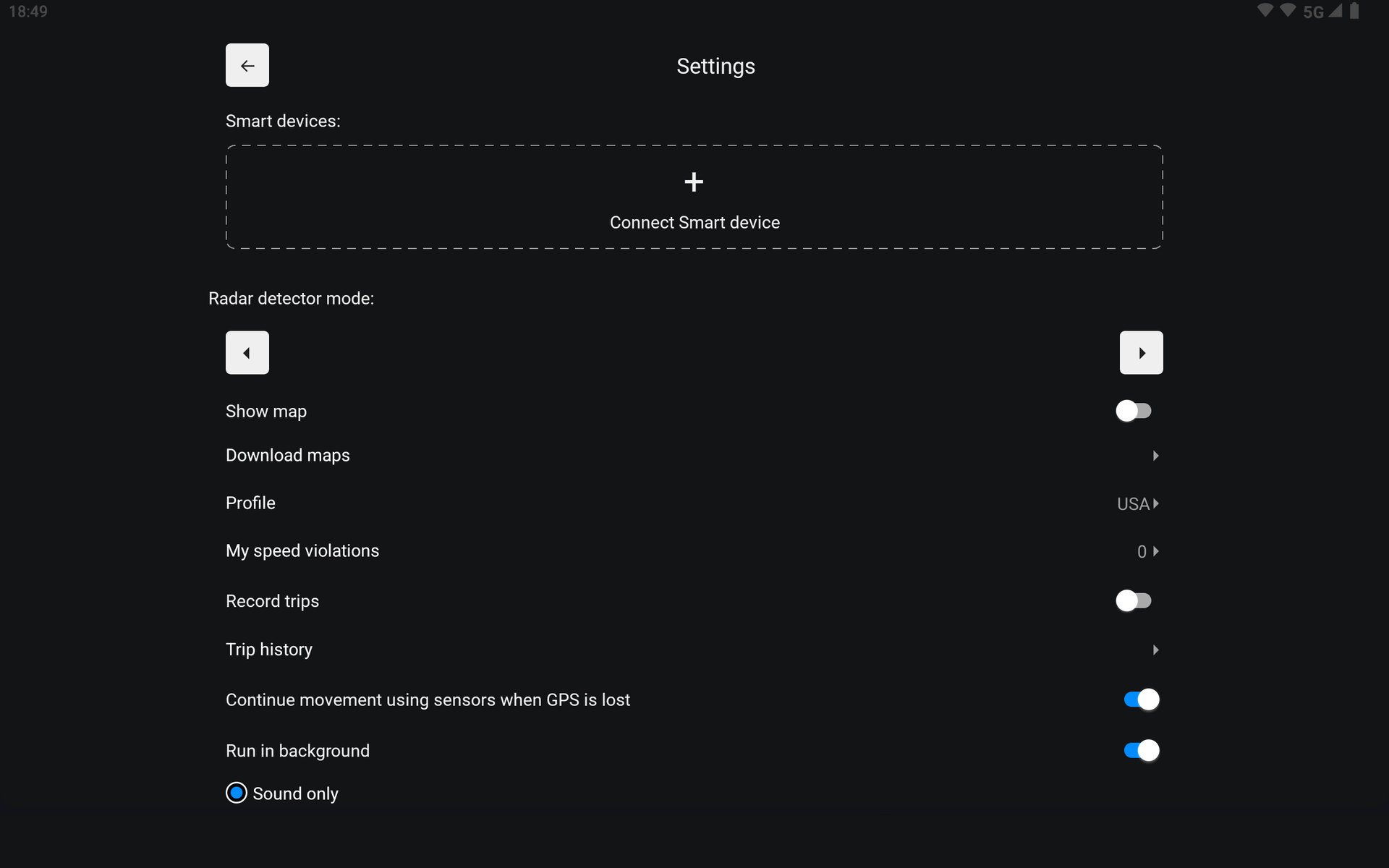
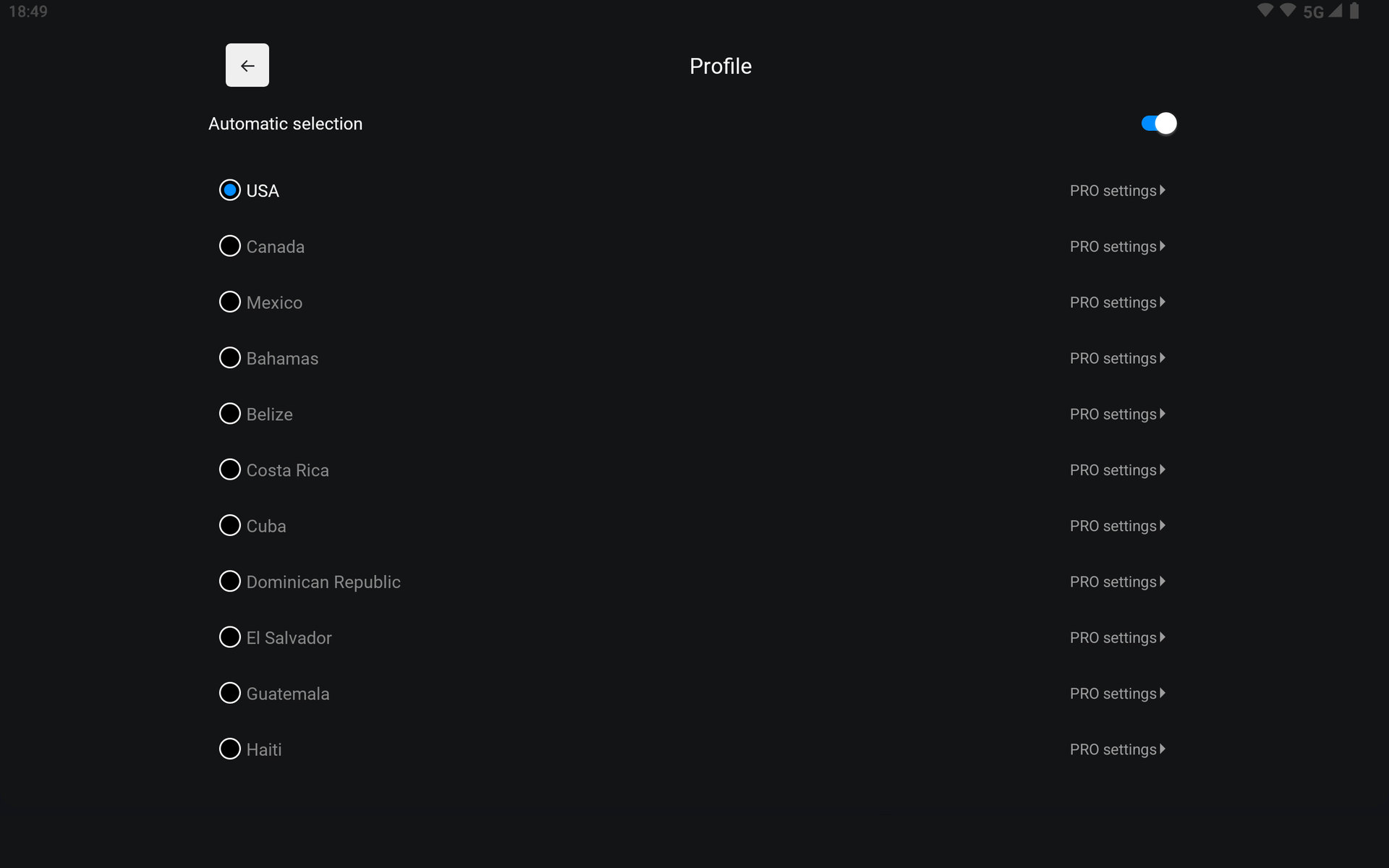
How to install
- If you previously installed Smart Radar from an app store, uninstall that version before switching to the APK from this website. Important: uninstalling may erase settings, downloaded maps and other local data. Save any information you need first.
- Tap “Download APK” and wait for the download to finish. Open the file on your phone or Android car head unit using your browser or Downloads folder.
- If Android blocks installation, open Settings from the system prompt. On Android 8 or later, allow “Install unknown apps” only for the browser or file manager opening the APK: “Allow from this source”. On Android 6–7, find “Unknown sources” in security settings. Menu names vary by device.
- Return to the APK and tap “Install”. Afterwards, turn off permission to install from that source again. Open Smart Radar, choose your language and region, and grant the permissions needed for its features. There is no need to disable Google Play Protect.
Phone or car head unit requirements
- Android 6.0 or later. This APK is for Android, not iPhone or car systems that do not run Android.
- ARM or x86 processor, 32-bit or 64-bit. Touchscreen.
- Location access and GPS/GNSS available to the app for speed readings and camera alerts.
- Free space for the APK (size shown above), app installation and app data. Offline maps need additional storage depending on the selected region.
- Internet for downloads, updates and online features. External devices require compatible Bluetooth or Wi-Fi, depending on the connection method.
What's new
- Connect and use two Smart Detectors at once on one phone or head unit: front and rear, with separate settings.
- New visual signal indicators for Smart Detector.
- Automatic speed-trap markers based on Smart Detector data.
- Automatic poor-GPS mode for Smart Detector.
- New sounds for Smart Detector.
- Adjustable-radius filter for signatures and K-band near fixed cameras.
- Pan and zoom the map with two fingers without holding first.
- Gesture controls.
- Camera reports with comments and a sending queue.
- Report camera errors from trip history.
- Disable individual cameras personally and restore their alerts later.
- Transfer settings via QR code or file.
- Quiet mode with an adjustable speed threshold.
- Adjustable distance for the overspeed warning.
- Automatic day/night switching.
- Map tilt and a new radar overlay.
- Weak and lost GPS indicators.
- Average speed monitoring over a section.
- Reworked app sound effects and voice alerts.
- Updated conditions for speed-trap markers.
- Convenient settings sections.
- Export trip history to GPX, or multiple trips to ZIP.
- Faster database loading and nearby-camera searches.
- Reduced memory use, CPU load and power consumption.
- Smoother online and offline map rendering.
- Map, interface and stability improvements.
- User guide in 12 languages.
About this app
SMART RADAR is your reliable driving assistant. It provides timely warnings about fixed speed cameras, mobile speed traps and roadside police checks across supported countries in Eastern Europe, Europe, North America, Latin America and the Caribbean. The app is completely free, with no subscriptions or intrusive ads.
Offline maps with real road context
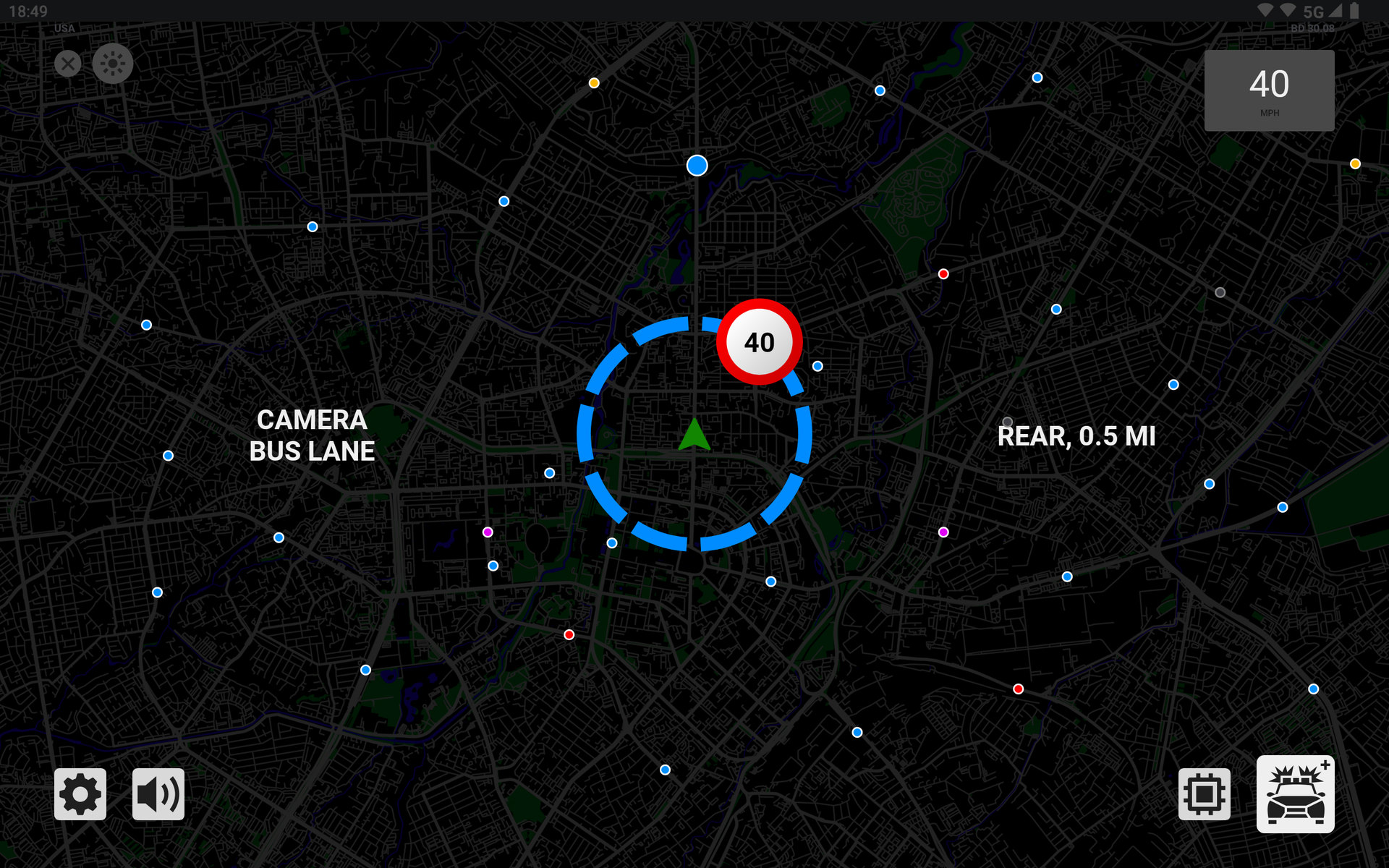
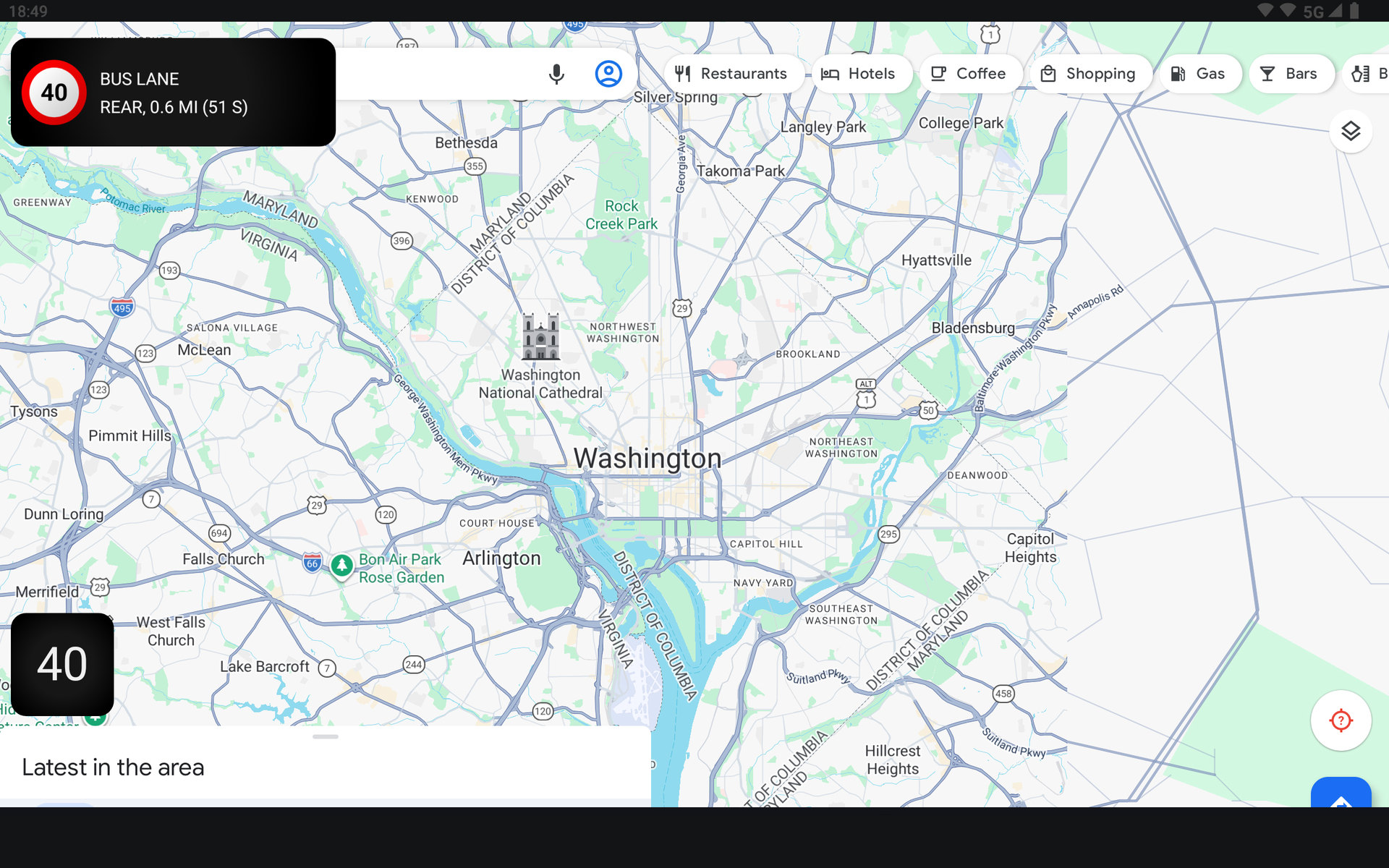
Download the map for the country or region you need and see more than a dot on a radar screen: roads, turns, intersections, buildings and wooded areas provide useful context. When internet access is available, camera updates and community reports appear on the map. Offline maps remain available without a connection, making them ideal for long trips and areas with unreliable coverage.
Community speed-trap reports
Report a mobile speed trap or roadside police checkpoint with one tap while online. Nearby drivers are notified quickly, helping the community avoid unexpected tickets.
Full Android Auto support
Control SMART RADAR from your vehicle display. The adapted interface uses large, clear elements to reduce distraction, while camera and speed-trap alerts appear on the car’s main screen.
SMART DETECTOR device connectivity
Connect compatible SMART DETECTOR hardware to complement GPS camera alerts with hardware-based road-radar detection.
Flexible background operation
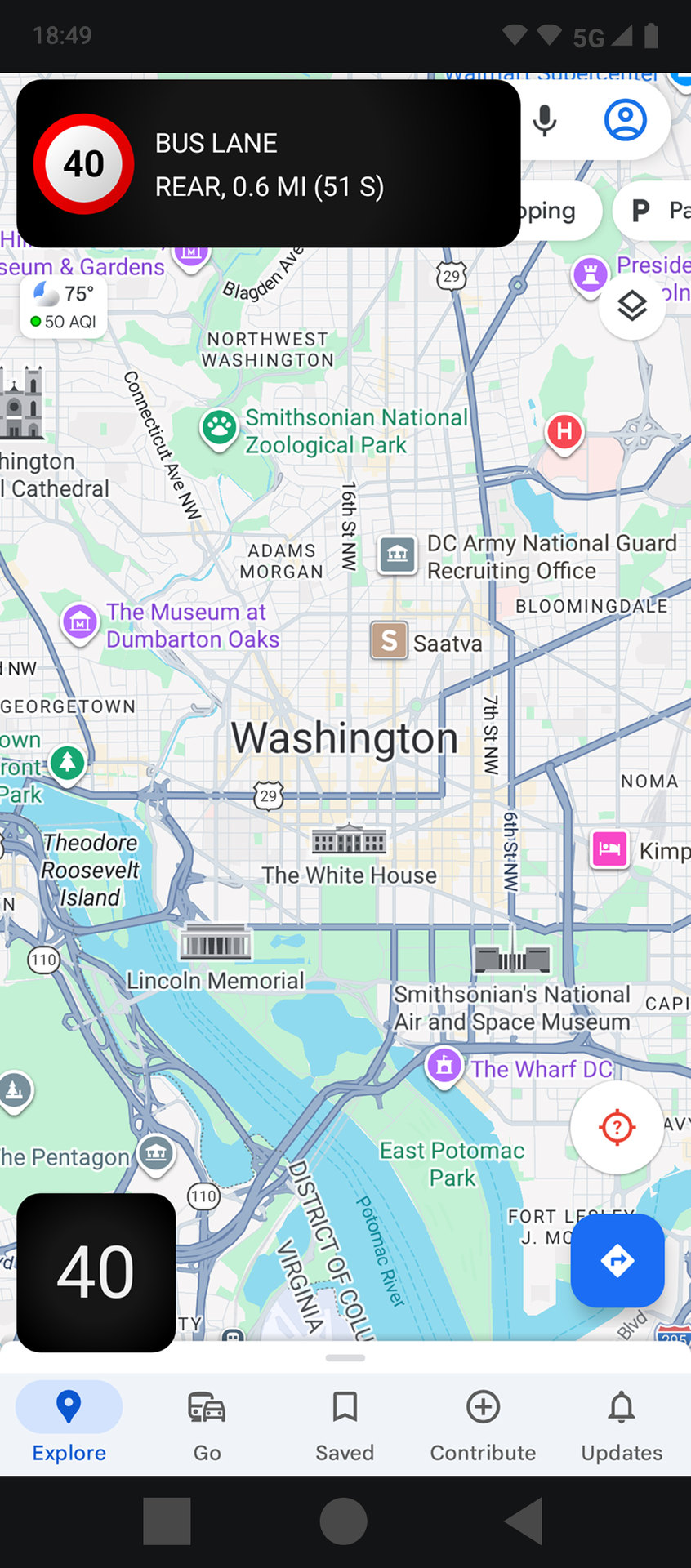
Choose the display format that suits you, from a compact floating window to a more informative view. Use Google Maps, Waze, Yandex Maps, 2GIS or Navitel, or listen to music while SMART RADAR keeps working in the background and provides timely alerts.
A large, regularly updated database
SMART RADAR includes more than one hundred thousand road-safety objects. Data is updated daily so important cameras and enforcement zones are less likely to be missed.
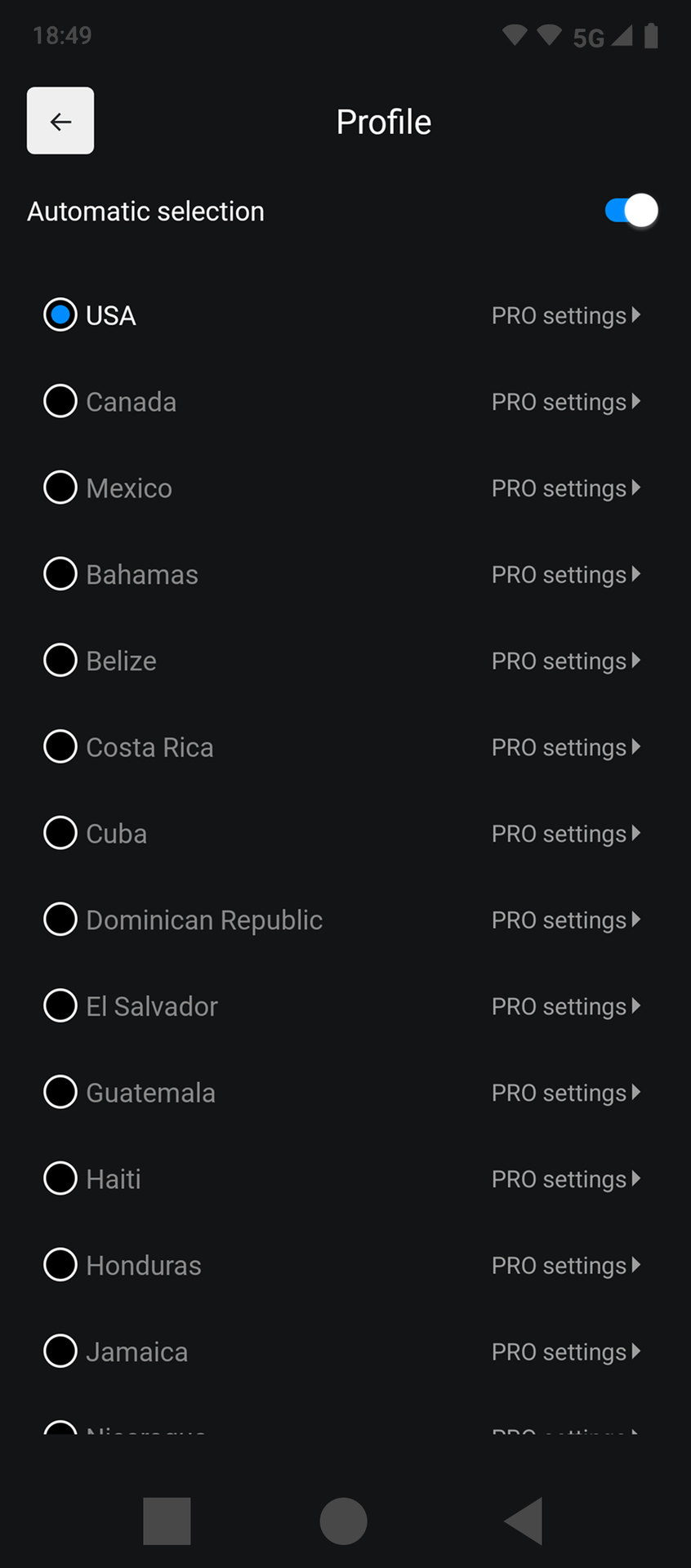
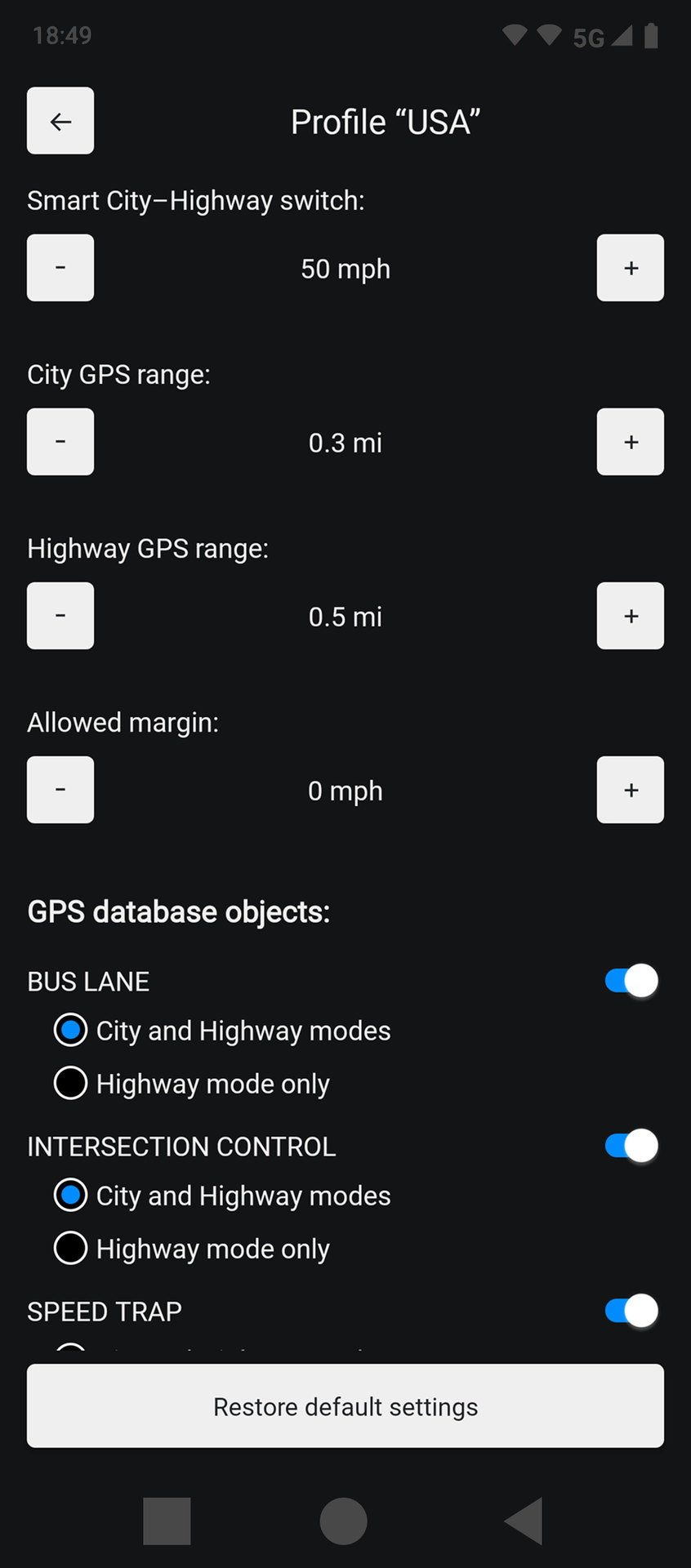
Smart mode and country profiles
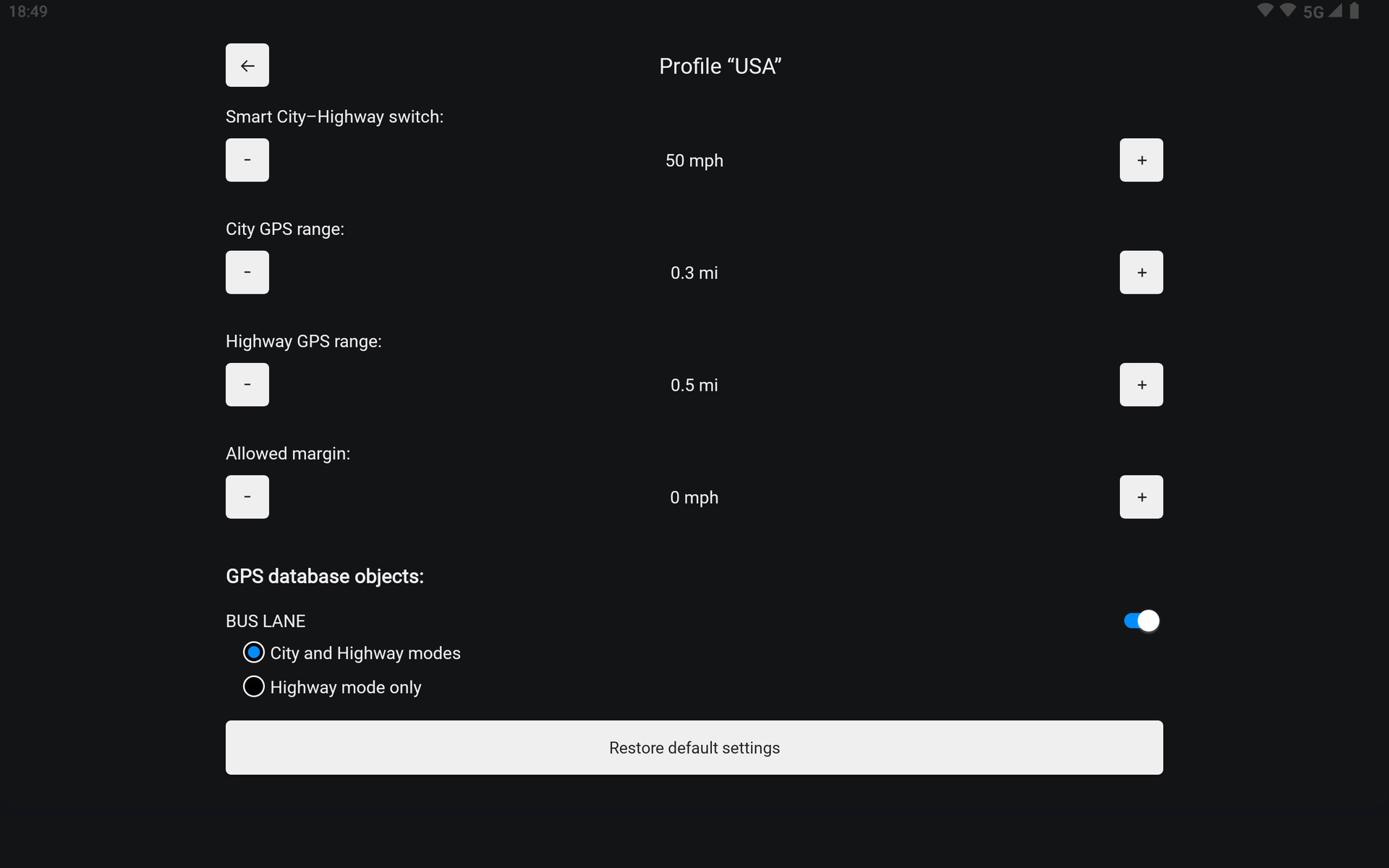
SMART RADAR automatically adapts its settings to driving conditions. In cities, the warning range is reduced to avoid unnecessary distractions; on highways, it is increased. Country profiles account for local speed limits and can switch automatically based on your location.
Supported countries
Russia, Armenia, Azerbaijan, Belarus, Georgia, Kazakhstan, Kyrgyzstan, Tajikistan and Uzbekistan; Spain, Portugal, Italy, San Marino, Poland, Czechia, Türkiye, Latvia and Lithuania; the United States and Canada; Mexico, The Bahamas, Belize, Costa Rica, Cuba, the Dominican Republic, El Salvador, Guatemala, Haiti, Honduras, Jamaica, Nicaragua, Panama, Argentina, Bolivia, Brazil, Chile, Colombia, Ecuador, Guyana, Paraguay, Peru, Suriname and Uruguay.
Interface and voice-alert languages
Russian, English, Spanish, French, Italian, Polish, Portuguese (Brazil), Portuguese (Portugal), Czech, Turkish, Uzbek and Kazakh.
For phones and in-car head units
The clear interface uses large, easy-to-read elements and works well on both phone screens and compatible in-car displays, delivering essential information without pulling your attention away from the road.
Fair terms
Every feature is available immediately after installation. No monthly payments and no distracting ads — only useful information when you drive.
SMART RADAR is more than a speed-camera alert app. It brings greater confidence behind the wheel and helps protect your budget. Offline maps show where it is wise to slow down, even without internet access.